Tips for better prompts
Learn how to write clear, detailed prompts, structured to guide the AI in creating more accurate results.
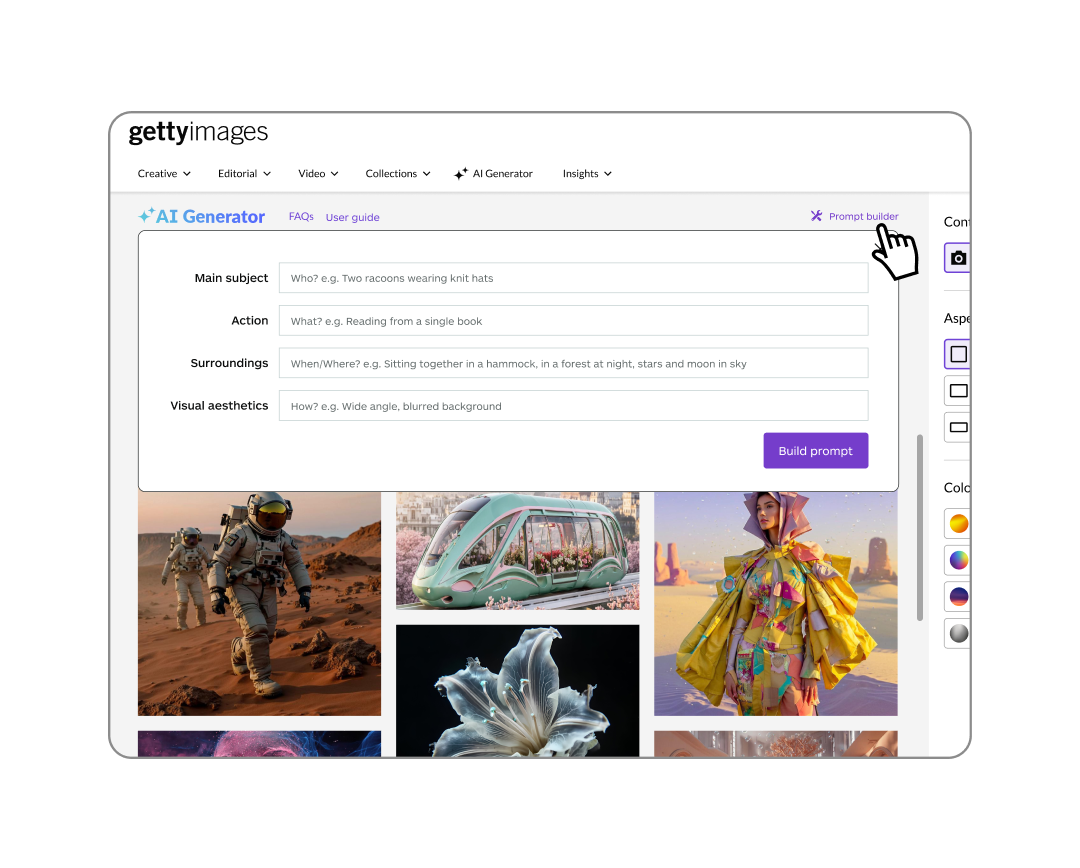
How to write an effective prompt
The most important part of image generation is your prompt. To get the best results, be sure to include:
- A main subject (person, place, or thing)
- The action or activity happening in the scene (what is the subject doing)
- The location (from the realistic to the fantastical)
- Visual direction (camera effects, mood, color palette, etc.)
You can also use the prompt builder to guide your input.
Additional insights to help you craft your next prompt:
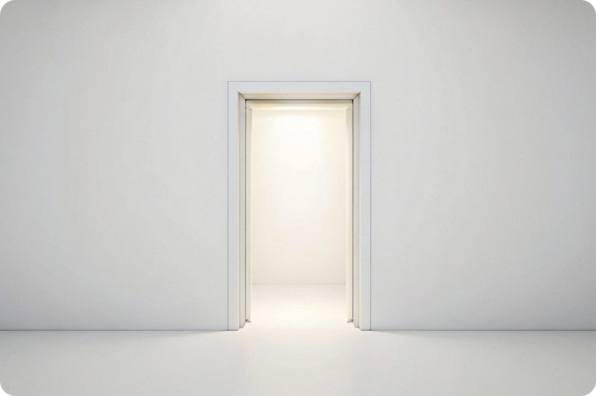
Place the most important details near the beginning of the prompt to give them more weight during generation.
Example: A glowing doorway centered in frame
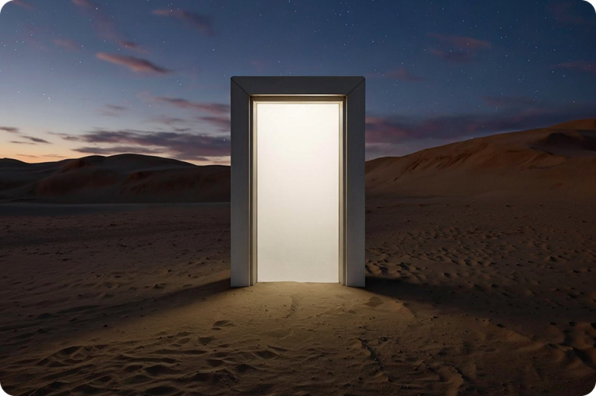
Build on the scene by including additional art direction.
Example: A glowing doorway in the desert, centered in frame, natural light, dusk, cinematic, night, dunes in the background
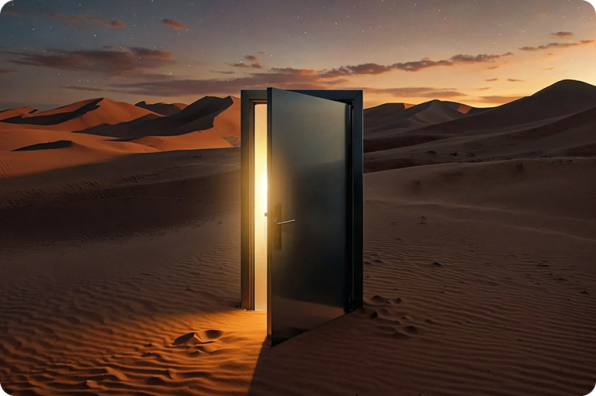
For greater image detail, add any of the following to your prompt:
Example: A glowing modern doorway with door open ajar, in desert, centered in frame, natural light, dusk, cinematic, night, dunes in the background
Design and stylistic keywords
To create even more unique imagery, you can include additional artistic keywords at the end of your prompt, each separated by a comma. We've provided a few below for inspiration—don't be afraid to experiment! To get a more comprehensive list of keywords, check out our blog!
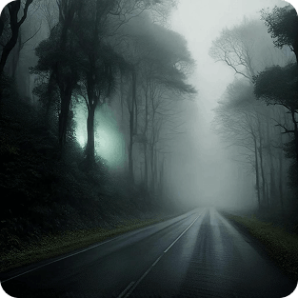
Mood
Alluring
Brave
Caring
Confident
Empowered
Genuine
Mysterious
Serene
Smiling
Tense
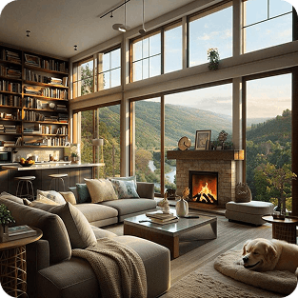
Camera and Lighting
Tilt‑shift
Soft focus
Sepia
Fish‑eye
Time‑lapse
Panorama
Zoom
Blur
Distorted perspective
Mirror image
Butterfly lighting
Lens fog
Overexposure
Smoke painting
Bokeh
Film burn
Hard shadows
Candlelight
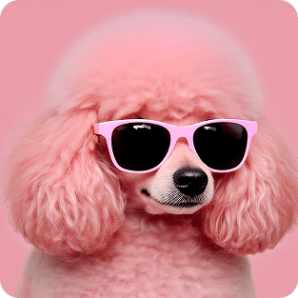
Art Style
Monochrome
Desaturated
Vintage
Pop art
Watercolor
Sketch
Sharpened
Vignette
Night vision
Color splash
Pointillism
Cinematic
Minimal
Underwater
Double exposure
Doodle
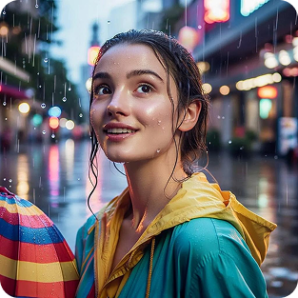
Theme
Portrait
Charcoal drawing
1970s
Renaissance
Baroque
Steampunk
Horror
Film noir
Fantasy
Silhouette
Editorial
Candid
Headshot
Recommended for you

Adding or replacing image details
Turn “almost there” into “just right”—use AI tools to modify and refine images or visuals you’ve generated on‑site.
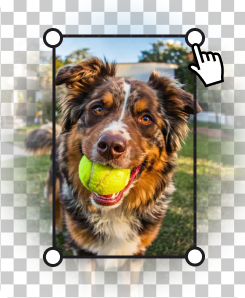
Expand images to fit different platforms, make more room for copy, or adjust the positioning of the visual’s main subject.
Learn how easy it is to download and license your commercially safe AI‑generated and modified images that include flexible usage rights.