Tips for improving your results
Discover different techniques to generate and refine your images to better match your vision.
Powerful tools to influence your creations
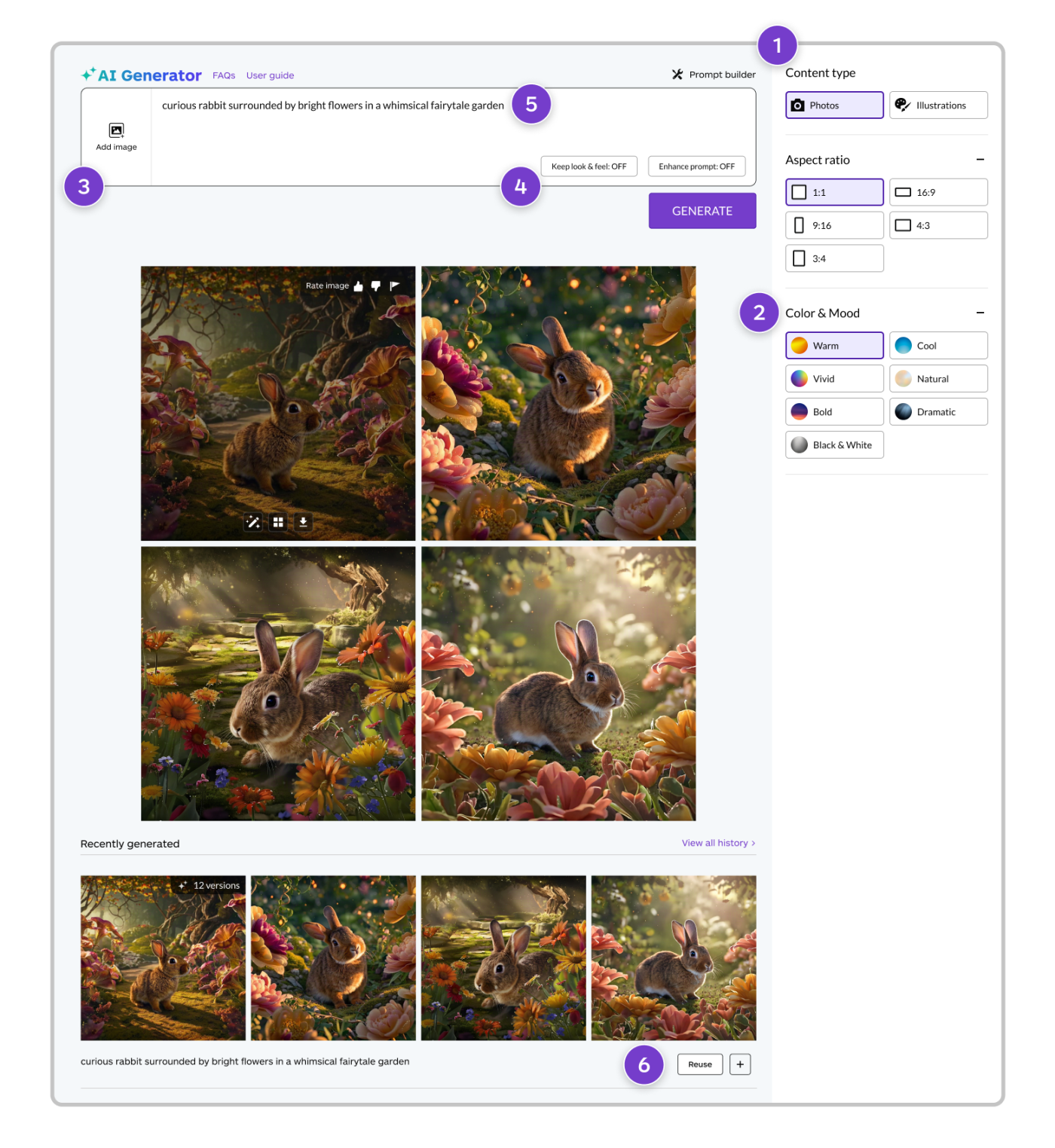
Getty Images' AI Generator includes several features to help you turn ideas into reality when you're generating a new image from scratch.
- Create very different looks by switching between Photo and Illustration to change your image type.
- Use the Color & Mood filters to generate images with specific atmospheres or palettes.
- Add a reference image to create generated images with a similar color palette or composition.
- Activate Keep look & feel to preserve similar composition and tone of your last 4 generated images while making minor changes to your original prompt.
- Use the prompt‑based editing to further refine your results.
- You can also use a generation to iterate on a prompt or specific image by clicking the Regenerate button or selecting Generate more in your generation history.
Recommended for you

Adding or replacing image details
Turn “almost there” into “just right”—use AI tools to modify and refine images or visuals you’ve generated on‑site.
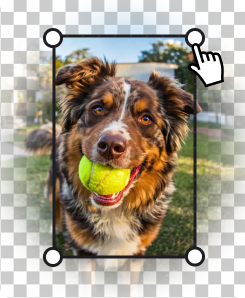
Expand images to fit different platforms, make more room for copy, or adjust the positioning of the visual’s main subject.
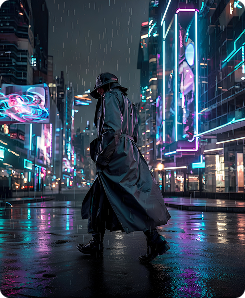
Transform ideas into original visuals in seconds—just describe what you want to create to turn your vision into reality.