Creating a product image
Showcase your product in any scene you can imagine
Generate as many backgrounds as you need—from realistic studio shots to fantastical landscapes and anything in between.
To create a product image using your own photo, click Add image next to the prompt bar in the AI Generator and select Upload product image. Our advanced AI tool will automatically detect and remove the background surrounding the main subject.
Use the intuitive interface to position and resize your product within the image frame.
Describe the scene you want to see generated around your product using the provided prompt box.
You can also use a reference image to guide the creation of your product image background. Choose a previously generated image or a creative image from the Getty Images site. If you use an unlicensed Getty image as reference, you will need to license the image in order to download the product image based on it.
Recommended for you
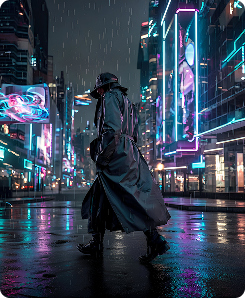
Transform ideas into original visuals in seconds—just use the text prompt and filters to turn your vision into reality.

Adding or replacing image details
Turn almost there into just right—use powerful AI tools to modify and refine pre‑shot or visuals you’ve generated on‑site.
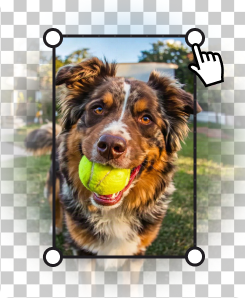
Expand images to fit different platforms, make more room for copy, or adjust the positioning of the visual’s main subject.