AI Tools User Guide
Learn to modify and generate images using Getty Images’ powerful AI tools—discover how to build and refine prompts, get the most out of our latest features, and apply the best practices to bring your creative vision to life.
To use Getty Images’ AI modification and generation tools, you’ll need to be signed in and have access to Generative AI by Getty Images.
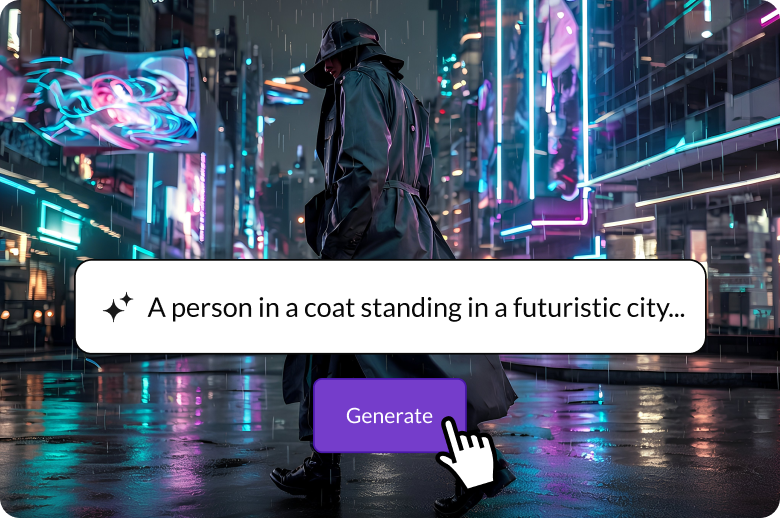
Generating an image
Transform ideas into original visuals in seconds—just describe what you want to create in a prompt to turn your vision into reality.
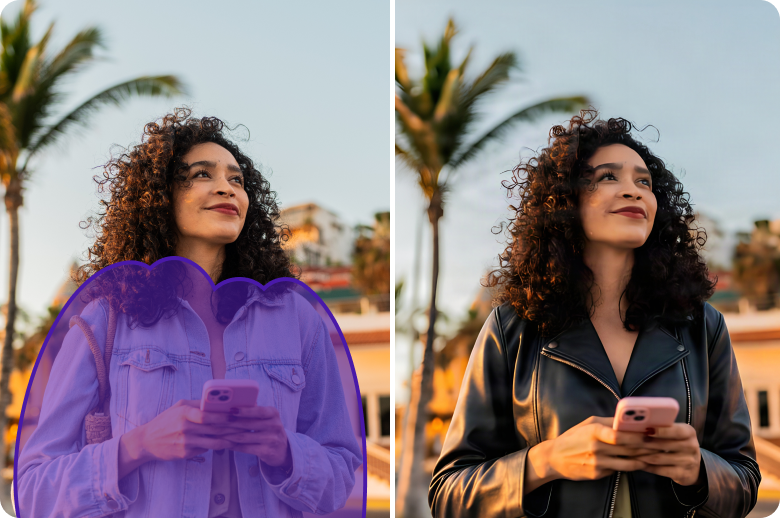
Adding or replacing image details
Turn almost there into just right—modify or refine existing images from our creative library or visuals you’ve generated on‑site.
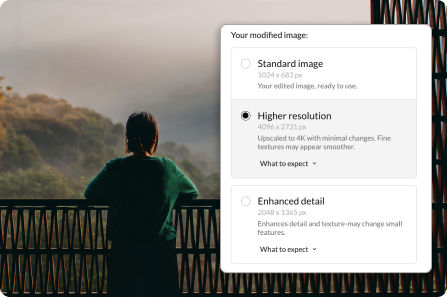
Downloading and licensing
Learn how easy it is to download and license your commercially safe AI‑generated and modified images.
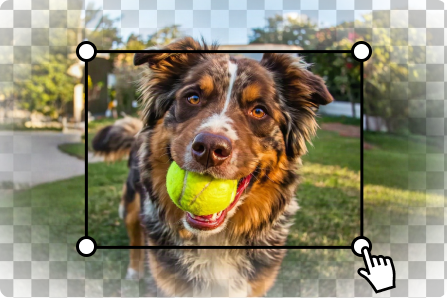
Extending an image
Create new image sizes—large or small—to fit different platforms, make more room for copy, or adjust the positioning of the main subject.
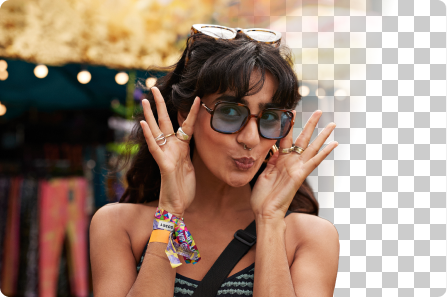
Removing a background
Just one click is all it takes to remove a background and create a clean, transparent PNG.
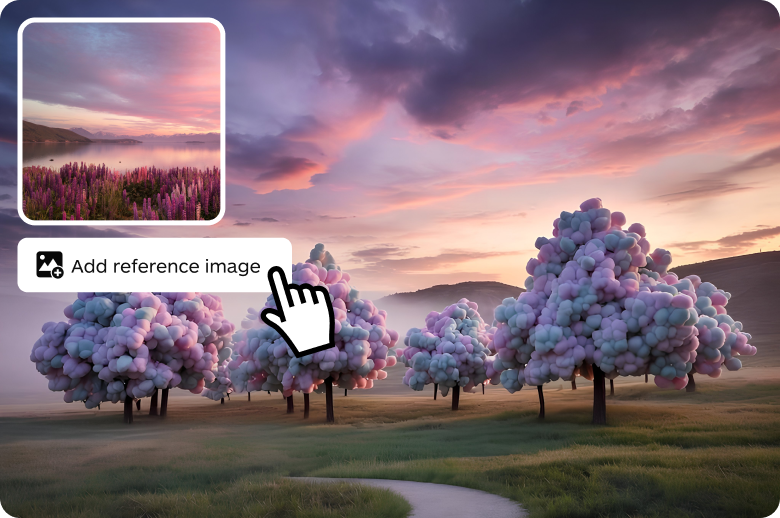
Using a reference image
Apply the color or composition of an existing image to influence the next AI image you create.
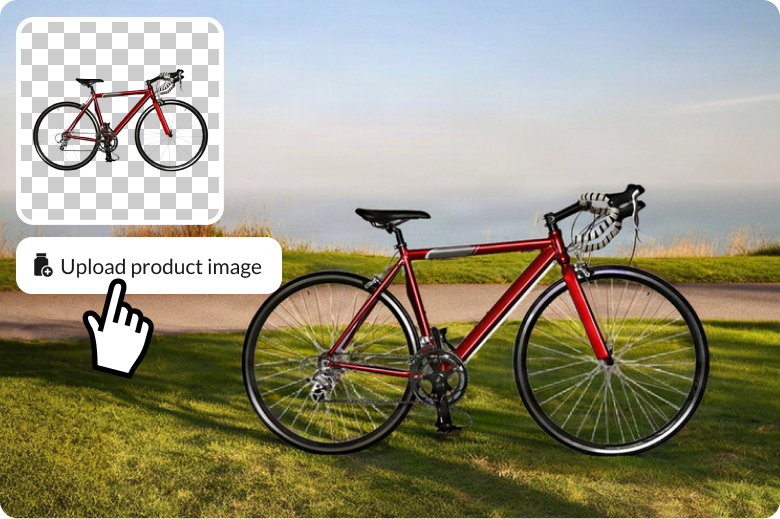
Creating a product image
Create polished product images in any setting, from studio backdrops to realistic environments.
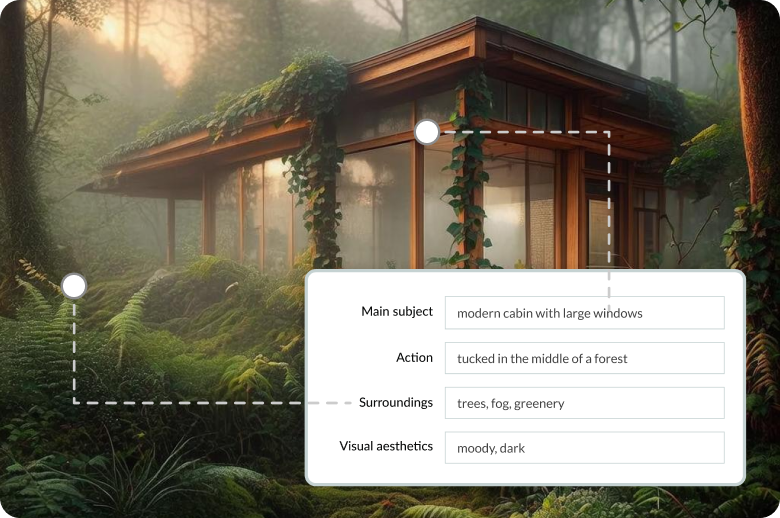
Tips for better prompts
Learn how to write clear, detailed prompts, structured to help you AI create more accurate results.
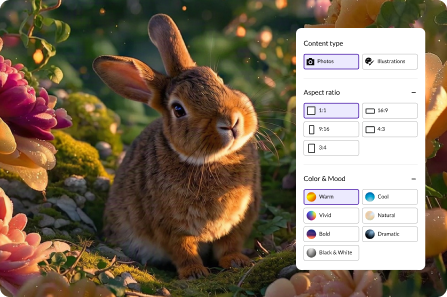
Tips for improving your results
Discover different techniques to generate and refine your images to better match your ideas.
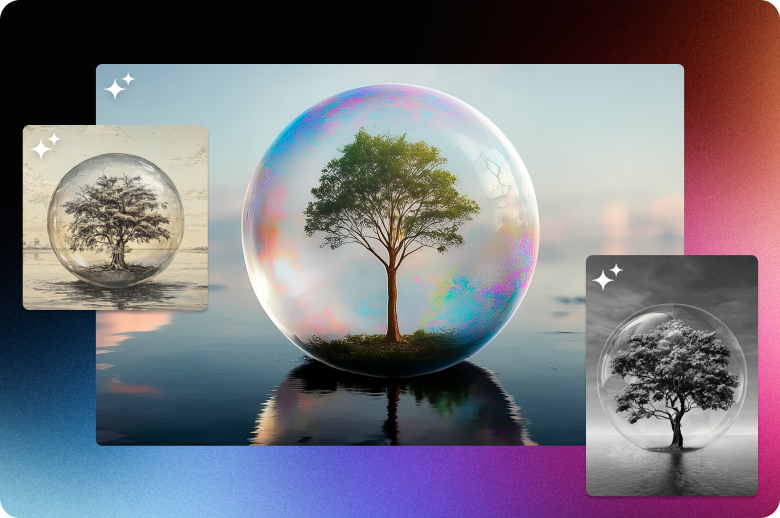
Generative AI Style Gallery
Using Generative AI can help you create the perfect imagery for your projects. You can customize your prompt by incorporating descriptive words such as "whimsical" or "historical" to produce the desired output. We’ve selected just a few themes below that can amp up your generations.
